
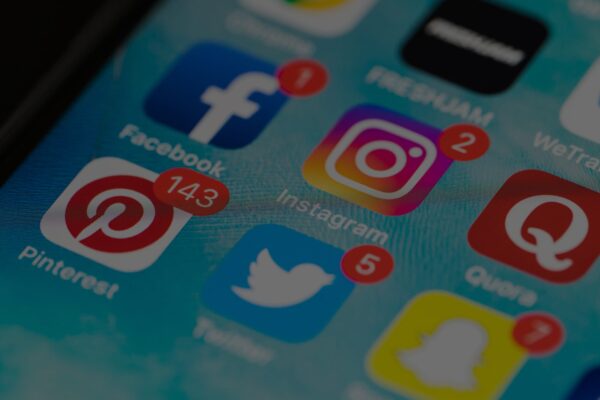
Graphics are important for any business. The best way to create these graphics, however, has been a challenge to identify because of the many different professions that use graphics. One app could be better because it allows more freedom with fonts while another focuses more on the ability to design a capturing picture. Keeping in mind the multitude of preferences other businesses might have over another, this article will go through the two most popular apps that create social media graphics. These apps have been declared as the most useful for small businesses as well as possessing a straightforward format for users to follow.

Canva has over ten million people that have used this app since it was created. It is an easy drag-and-drop interface that any beginner of graphic designing can use with high-quality results. Canva also offers a free version of the app that holds a large library of images, icons, layouts, texts, styles, and different shapes. If one wanted to access the premium version the price would be $9.95/per month with thousands of more options to choose from with an unlimited storage. With over 8,000 templates to explore, this is a great way to begin getting more acquainted with graphic designing and to experiment with different options before committing to the final look for the graphic. Another great feature is the several social media layouts to choose from for a perfect transition from the app to the site the graphic will eventually be shared. These layouts are: Facebook, Twitter, Tumblr, Instagram, Google+, YouTube, blogs, and email. To make the transition even easier, Canva has an option to download the final graphic design as a PNG, JPG, or PDF format as well as the ability to share the design straight from the app through email, Facebook, or Twitter.
Snappa focuses more on text design. This app is similar to Canva with its structure, but it offers a very unique set of options to consider for the construction of the font. One of the most eye-catching parts of a graphic is the text, making this a very useful tool to use in order to present this exact reaction of interest. Snappa is regarded as the perfect text-over-image design because it allows the user to find the just right end result for the graphic. When it comes to the background image, Snappa offers several effects from darkening or coloring the initial image to make a lighter-colored text pop to using additional graphics and shapes. The ability to share the final product is also a very simple process that doesn’t even require to leave the app. The only big setback is that the free plan is more limited with only five shares or downloads per month, which could be the breaking point for some businesses who need much more social media graphics in the span of a month. With this in mind, the app also does not allow a user to save the progress the user has made, so this app would be more beneficial if the user were to pay the $10/per month version of the app in order to have the unlimited downloads, shares, and social accounts like Facebook, YouTube, LinkedIn, Twitter, Instagram, Pinterest, blogs, and email available without any limits.
With these two apps alone, any business would produce an amazing social media graphic. If not familiar with Canva and Snappa, these apps should be the next place to look for designing social media graphics.