
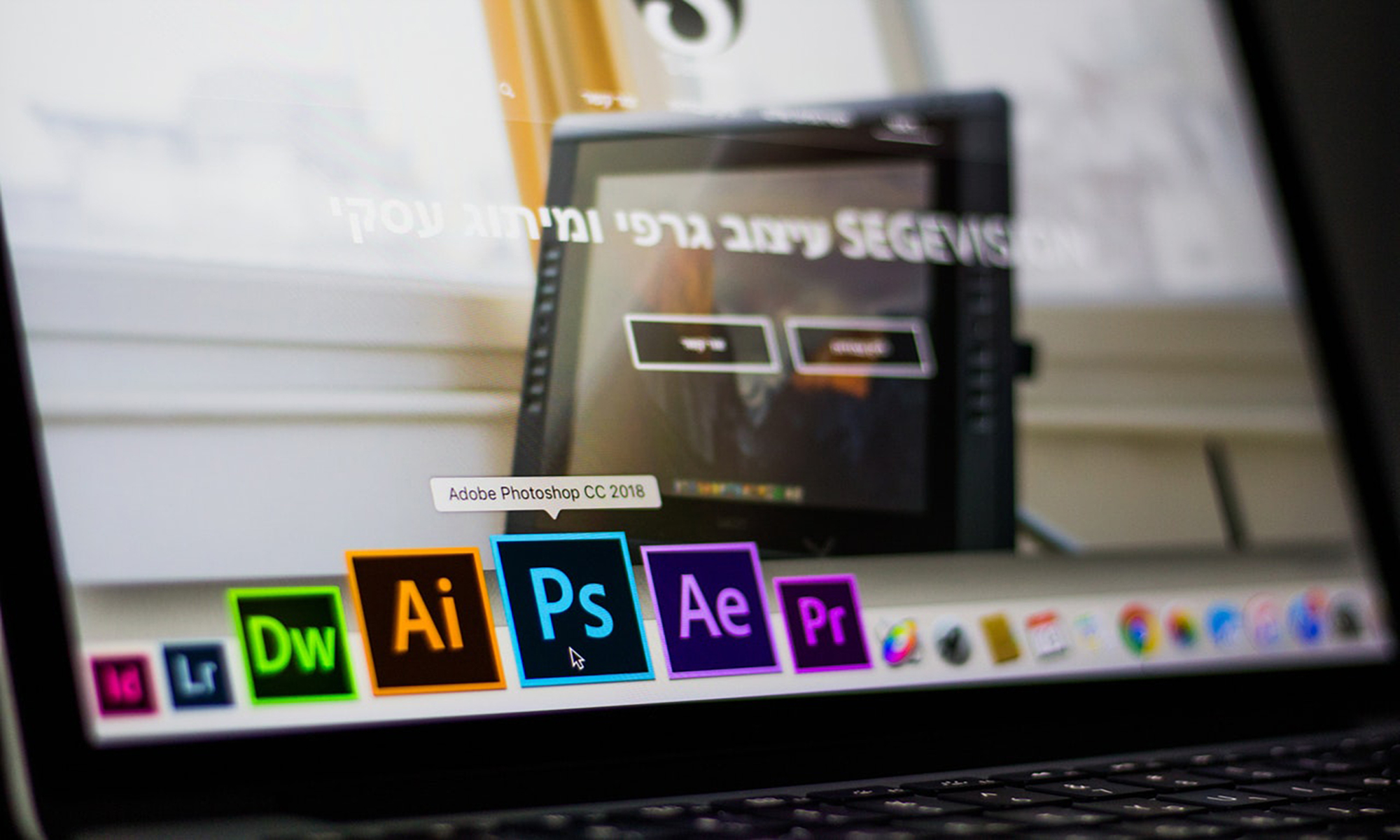
Software programs such as Adobe Photoshop and Canva provide advanced and simplistic ways to edit graphics. However, the argument over which is better may vary based on the user’s needs. Adobe Photoshop has a long history of providing stunning graphics and Canva is fairly new, but still provides basic graphic design options. The pros and cons of using each will be explored for the user to determine which will meet their needs.
Adobe Photoshop offers monthly plans ranging from $9.99-$52.99 which can be accessed on desktop, iPad, or through an app. One of Adobe Photoshop’s strengths is that it uses technology that professional graphic designers, photographers, and artists trust and use on a daily basis. Another feature of Adobe Photoshop is the Creative Cloud, which has over 20 apps, 100GB of cloud storage, and the ability to create a website using Adobe Portfolio. While Photoshop is used by professionals, there are countless tutorials online and in print to help people new to the software. On the other hand, Canva is a free graphic design tool used to make social media graphics, calendars, business cards, scrapbooks, presentations, and even comic strips. One of the advantages of using Canva is the number of free templates available. Another huge plus is the ability to edit and resize images for social media without much effort. Many users have commented that the ease of use allows them to complete other projects as well. However, no software program is perfect and these two have their flaws as well.
Both software programs have either a learning curve or limitations. Adobe Photoshop has an array of features, some of which can be overwhelming to first-time users. Another problem is that there are many free or low-cost alternatives such as Corel Paintshop Pro and CyberLink PhotoDirector that offer the same features. Furthermore, the Creative Cloud is a paid monthly subscription, which is considered pricy to some consumers. Canva is not without its limitations either. Most features are free, but there is a fee for some stock photos and advanced technical support. Since there are free templates to use, there is the risk of looking similar to another company or organization. Additionally, the free version of Canva only provides one folder to store all of the user’s graphics. Given the cons of each program, it is important to consider which features are necessary to build a memorable brand.
While both programs offer a variety of options, determining which will convey the message most effectively is crucial. Creating a high resolution picture or a using free template could also include the time spent producing it. The software that will enable users to display an organization’s brand in a clear, professional manner should be taken into consideration as well. The possibility of giving both Adobe Photoshop and Canva a chance will only be an asset to the user.